gohighlevel for property management
Online vs. In-Person Appointment Setting: A Small Business Guide
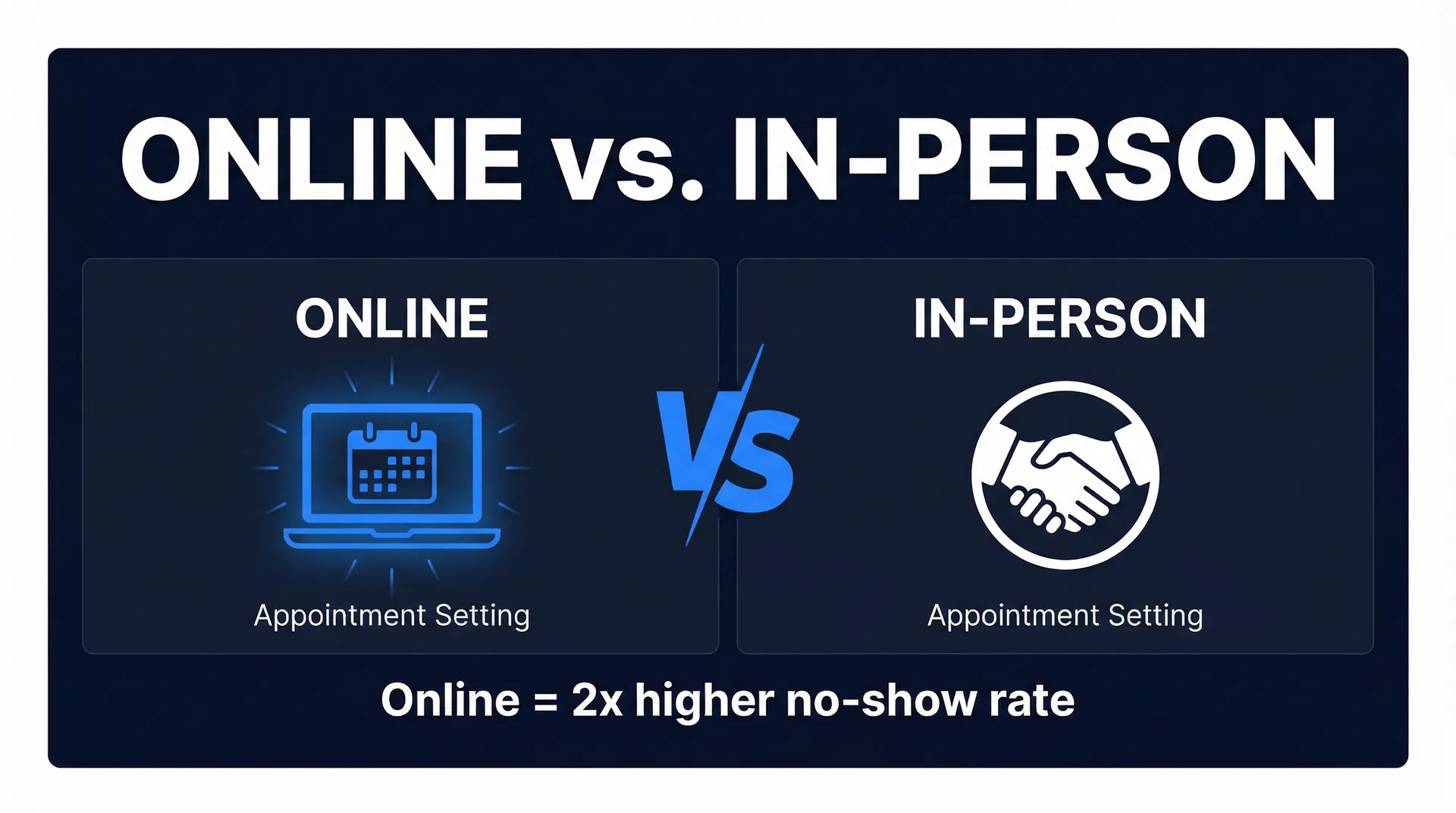
Online vs. In-Person Appointment Setting: Which is Better for Your Business?
Your front desk is swamped, and half your new leads want to book online. The other half still prefer to call. You’ve noticed a worrying trend: the clients who book themselves are twice as likely to no-show, leaving your technicians with dead time and costing you money. This isn't just a feeling; it's a measurable gap between how different booking methods affect client commitment.
This guide breaks down the real-world differences between online and in-person appointment setting. We'll cover the psychology behind why clients no-show, provide sourced data on booking channel performance, and give you specific, actionable strategies to get the best of both worlds—the convenience of online booking with the reliability of in-person commitment.
The Psychology of a Booked Appointment: Transaction vs. Relationship
The fundamental difference between a client booking online and one booking over the phone isn't the technology—it's the psychology. When a client calls your shop, they speak to a real person. They've made a verbal agreement, a social contract. This human interaction creates a sense of obligation that a simple calendar entry doesn't.
For example, when a potential client calls a dental practice in Austin to schedule a new patient exam, they talk to the office manager, share their insurance details, and find a time that works. They've invested time and energy into that conversation. Canceling feels like letting a specific person down.
Online booking, on the other hand, is a sterile transaction with a system. The client picks a time, enters their info, and gets an automated email. There's no social bond. The commitment feels less personal, making it easier to bail without a second thought. This convenience is a double-edged sword, and it directly explains why, according to industry data, online self-scheduling can lead to no-show rates as high as 25%, while phone bookings hover closer to 10-15%.
The answer isn't to get rid of your online booking calendar. The solution is to build commitment into your digital process using the right tools and workflows.
No-Show Rates by Booking Channel: The Real Numbers
Data from across the service industry confirms that the less human interaction involved in a booking, the higher the no-show rate. However, the gap can be closed significantly by adding layers of commitment to your online process. While exact figures vary by industry, the relative differences are consistent.
| Booking Channel | Average No-Show Rate | Why It Works (or Doesn't) |
|---|---|---|
| Online Self-Scheduling (No Confirmation) | 15–25% | Purely transactional; no social cost to skipping. |
| Online + Automated Confirmation Request | 10–18% | Requiring the client to click "Confirm" creates a small but meaningful psychological hurdle. |
| Phone Booking | 10–15% | The human interaction builds a social contract and personal accountability. |
| In-Person Booking | 5–10% | The highest level of commitment, as the client has invested time and effort to be there physically. |
| Online + Card on File/Deposit | 8–14% | A financial stake, even a small one, makes the appointment feel like a real commitment. |
| Online + Card + Confirmation | 5–10% | This combination effectively replicates the commitment level of an in-person booking. |
Sources: Based on aggregated data from studies by Zocdoc, Software Advice, and internal Automation Insiders platform data.
The key takeaway is that you can get the low no-show rates of in-person booking from your online channels. It just requires a more thoughtful setup.
How to Design an Online Booking System That Fights No-Shows
Your online booking system's design directly influences your no-show rate. A few strategic adjustments can make a massive difference without scaring away potential clients. The most powerful tool in your arsenal is an automated reminder sequence built in GoHighLevel's Automation section.
Here’s what to implement:
1. Require Active Confirmation
Instead of instantly confirming a booking, send an automated email or text asking the client to click a link to confirm. This small step forces a micro-commitment. A client who takes this action is mentally solidifying their intent to show up. You can easily build this with a GoHighLevel Workflow that triggers on a new appointment booking.
2. Take a Deposit or Put a Card on File
The best way to signal that an appointment has real value is to attach a real financial consequence to it. For a high-ticket service like a med spa consultation, requiring a $50 deposit that gets applied to the service cost is a proven strategy. For a roofing estimate, you might not charge a deposit, but requiring a card on file to book the slot communicates that your estimator's time is valuable.
3. Use a Multi-Touch Reminder Sequence
A single reminder the day before is not enough. A best-practice sequence involves multiple touches:
- 48 hours before: An email reminder with the appointment details and a prominent reschedule link.
- 24 hours before: A text message reminder. "Hi [Client Name], just a reminder about your appointment tomorrow at 2 PM at [Business Name]. To reschedule, call us at [Phone Number]."
- 2 hours before: Another text. "See you in 2 hours!"
This sequence keeps the appointment top-of-mind and makes it nearly impossible to forget.
4. Automate the "Missed Call Text Back"
How many bookings do you lose because you can't get to the phone in time? GoHighLevel's Missed Call Text Back feature instantly texts a person back if their call is missed. The text can say, "Hi, this is [Business Name]. Sorry we missed your call. How can we help?" or even better, link them directly to your online booking calendar. This simple automation turns a missed opportunity into a booked job.
The Unique Challenge of Virtual Appointments
Virtual consultations have an even lower barrier to entry—and a lower barrier to exit. There's no travel time or social friction involved in skipping a Zoom call. This convenience often leads to higher no-show rates than their in-person counterparts.
For example, a law firm offering free 15-minute virtual consultations might see a 30% no-show rate. The potential client has nothing invested. To combat this, you must create investment.
Actionable Step: Send a pre-appointment questionnaire. For the law firm, this could be a simple form asking, "To make the most of our 15 minutes, please briefly describe your situation." A person who takes five minutes to fill this out is far more likely to show up for the call. It also helps you qualify them in advance.
Additionally, ensure every single reminder email and text contains the direct meeting link. Don't make them hunt for it. A confused client is a no-show client.
The Hybrid Model: Online Booking with a Human Touch
The most effective system for many service businesses is a hybrid approach. Let clients book online for convenience, but follow up with a human touch to build commitment.
An HVAC company in Phoenix running Google Ads at $180 per lead can't afford to have those leads no-show. Their process is a great example of the hybrid model in action:
- Lead books online: A potential customer clicks an ad and books a
Affiliate Disclosure: I am an independent HighLevel Affiliate, not an employee. I receive referral payments from HighLevel. The opinions expressed here are my own and are not official statements of HighLevel LLC.
Related Articles
Appointment No-Show Rates: Your Business's Silent Killer (and How to Stop It)
Stop losing revenue to appointment no-shows. This guide reveals the true cost, root causes, and a powerful 3-tier automated system to reduce your appointment no-show rates.
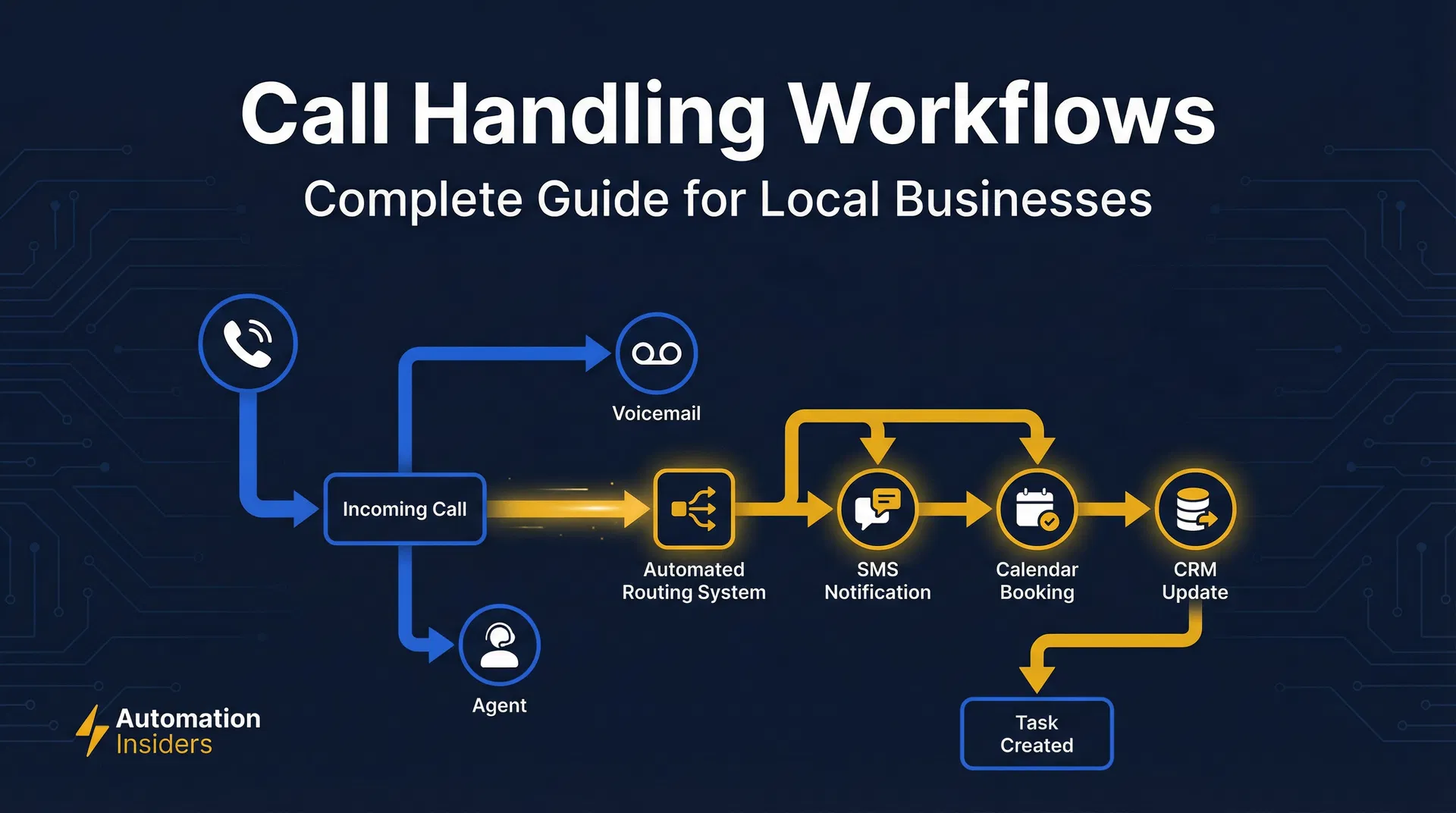
Stop Losing Business: Master Call Handling for Your Home Service Company
Stop losing leads. Master call handling for home services with our guide for HVAC, plumbing, & roofing. Learn to fix missed calls & boost your bottom line with GoHighLevel.
Your Phone is Ringing. Are Your GoHighLevel Call Workflows Ready?
Master GoHighLevel call workflows to capture every lead, automate follow-ups, and boost efficiency for your local service business. Optimize routing, recording, and analytics.